
Bulk SMS Software – Professional Screenshots
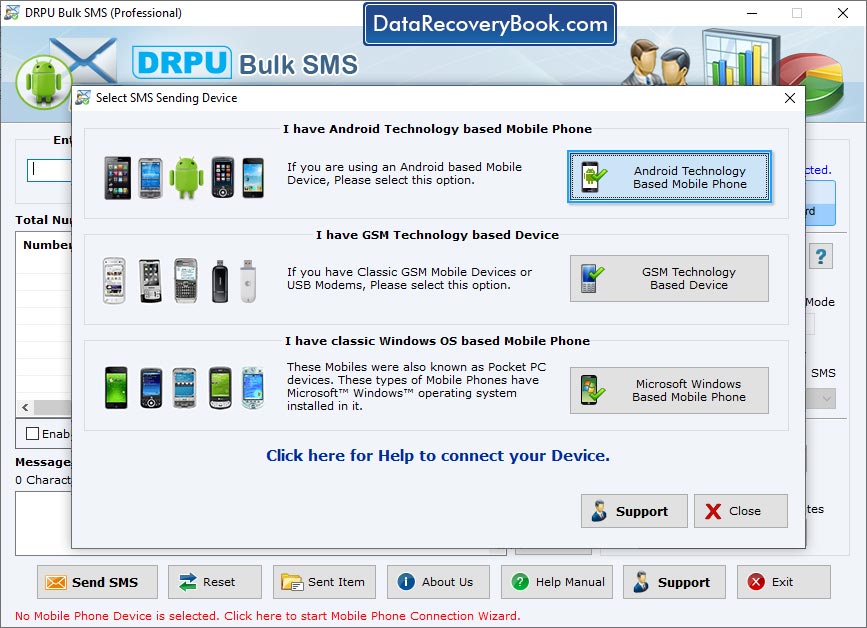
Select your mobile device type for sending bulk SMS. Here, we have selected 'GSM Technology Based Mobile Phone'.
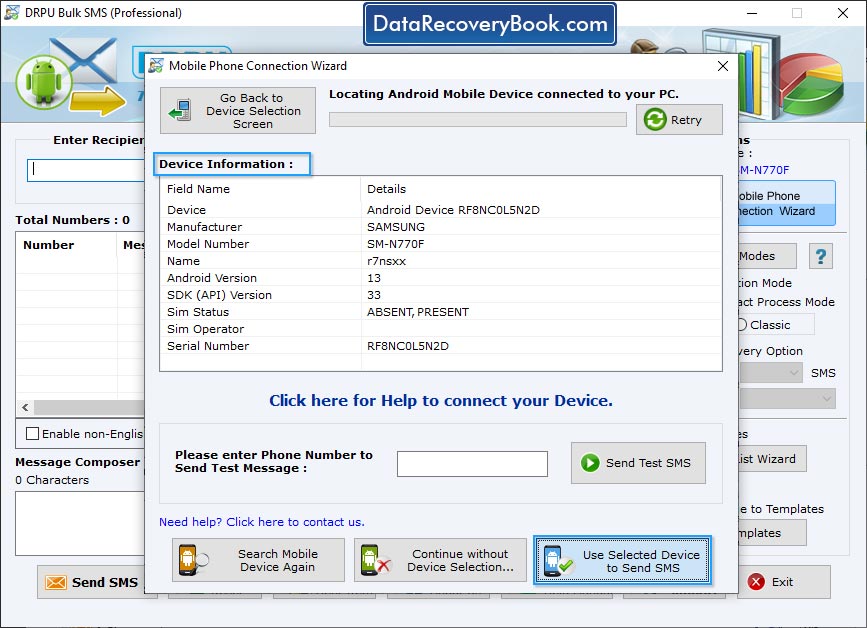
Here, you can view connected device details (Device, Manufacturer, Model Number, Serial Number, etc) in 'Device Information' box. Click 'Use Selected Device to send SMS' button to send messages.
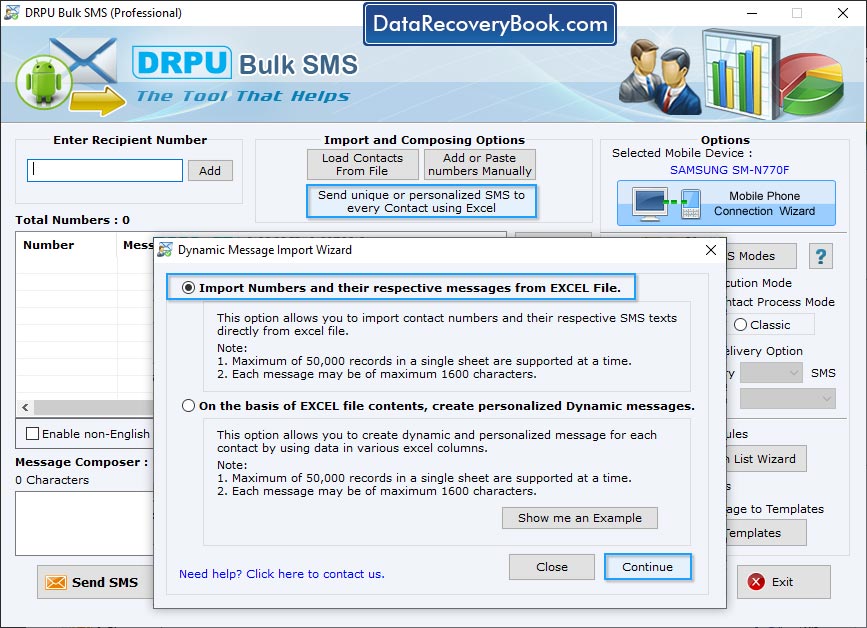
Import and composing options to load contacts from file or add or paste number manually for sending group SMS.
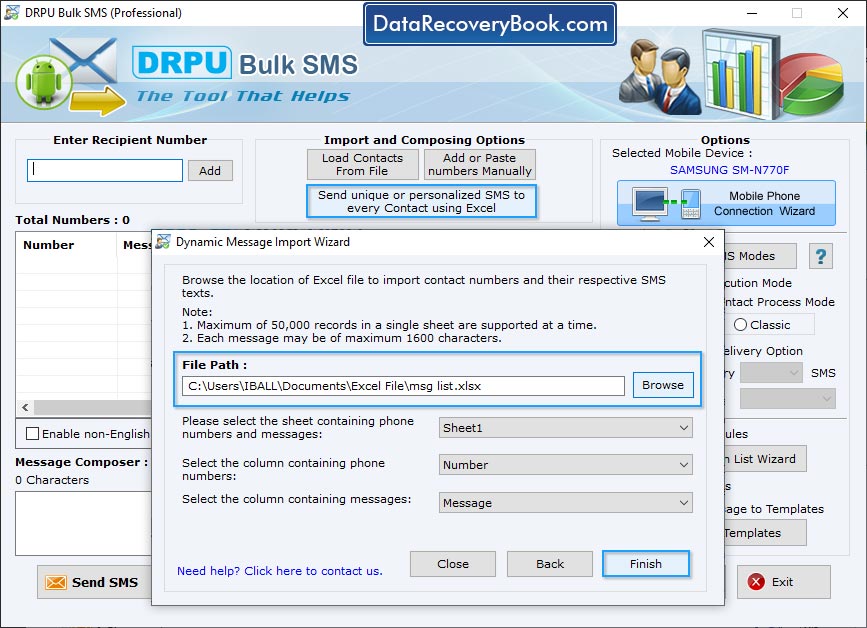
Browse the path of Excel file containing contact numbers and their respective messages. Select excel sheet, columns containing phone numbers and column containing messages then click 'Finish' button
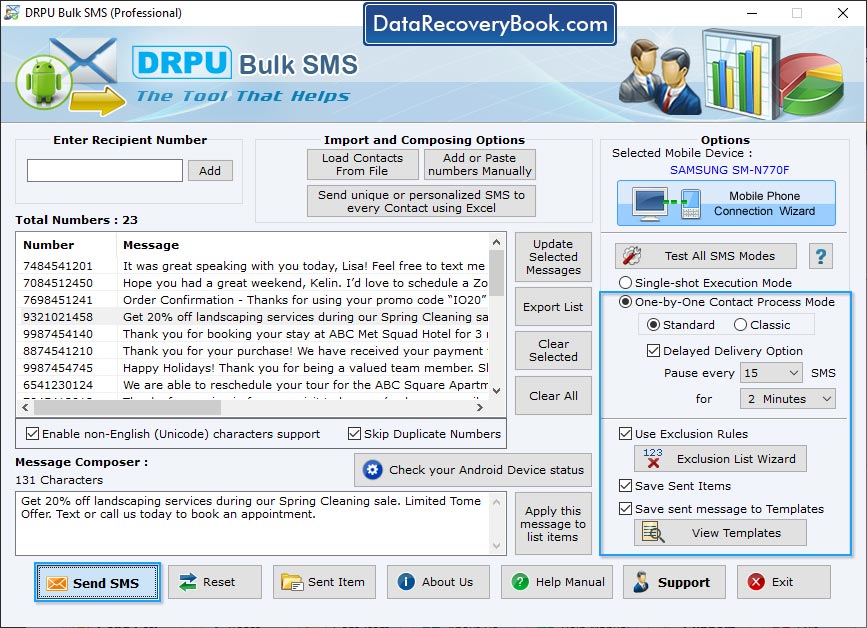
Wizard shows connected device list, select signal and classic process mode. Software also provided dealy delivery option.
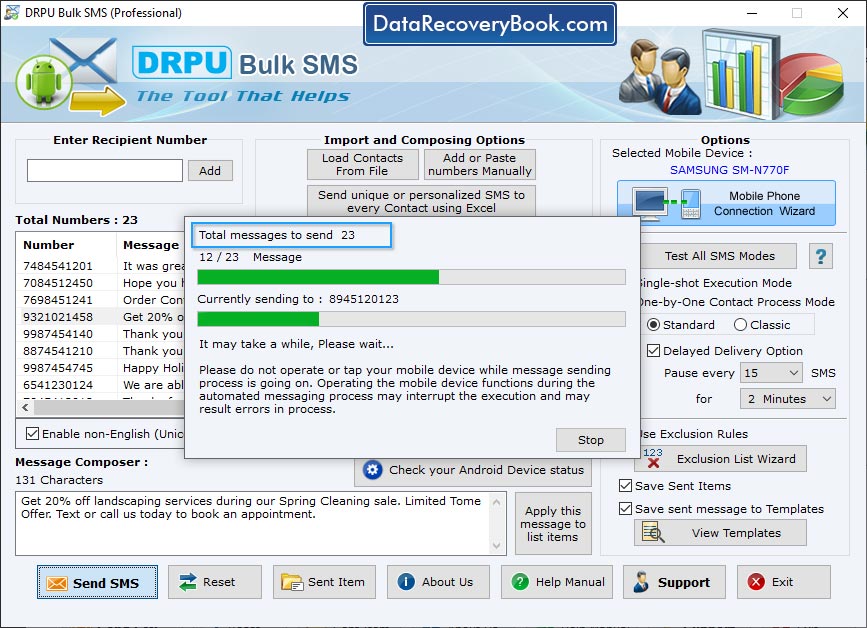
View current status of SMS Sending Process.

