
Bulk SMS Software – GSM Mobile Phone Screenshots
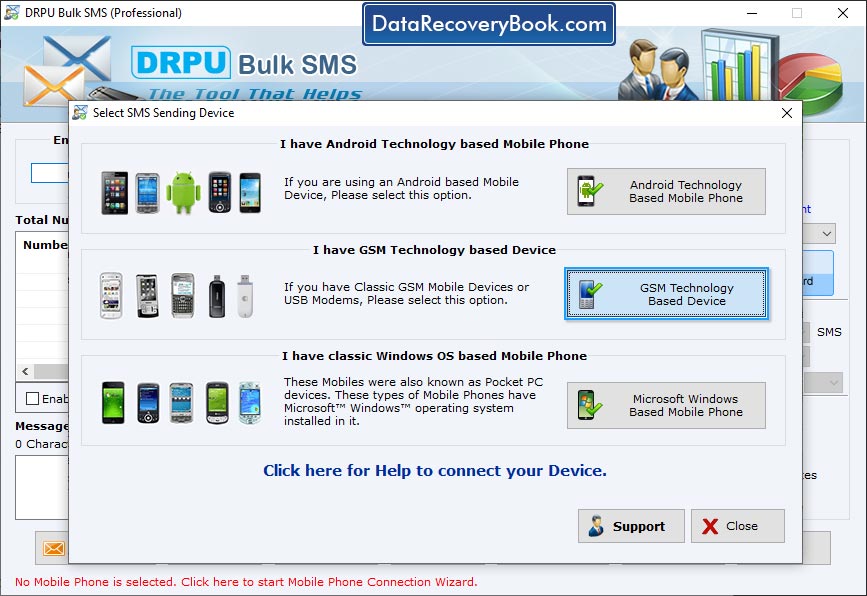
Wizard shows mobile phone device is establishing connection with PC, select “send text message by selected device” to check your message is going or not.
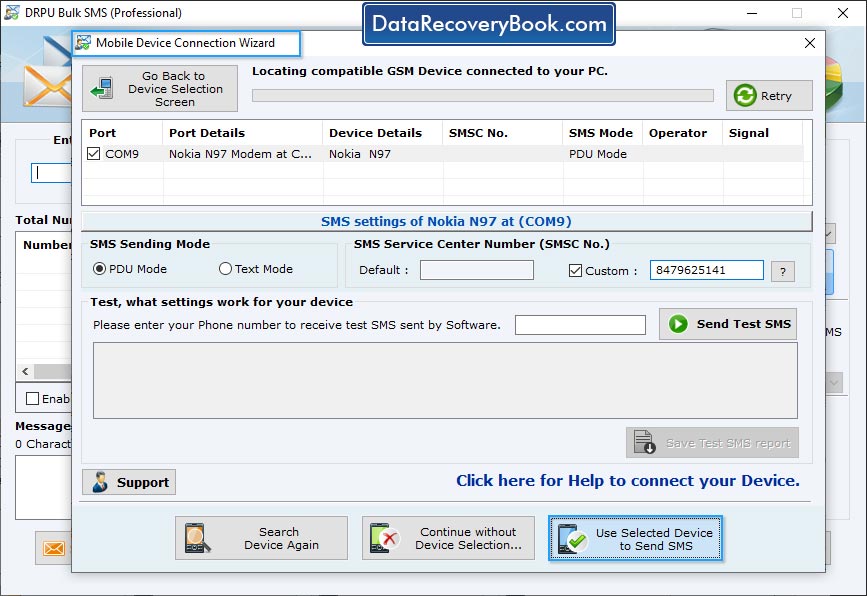
Select Com Port from Connected Device List and view selected device details in "Selected Device Details" box. Now click "Use Selected Device to send SMS".
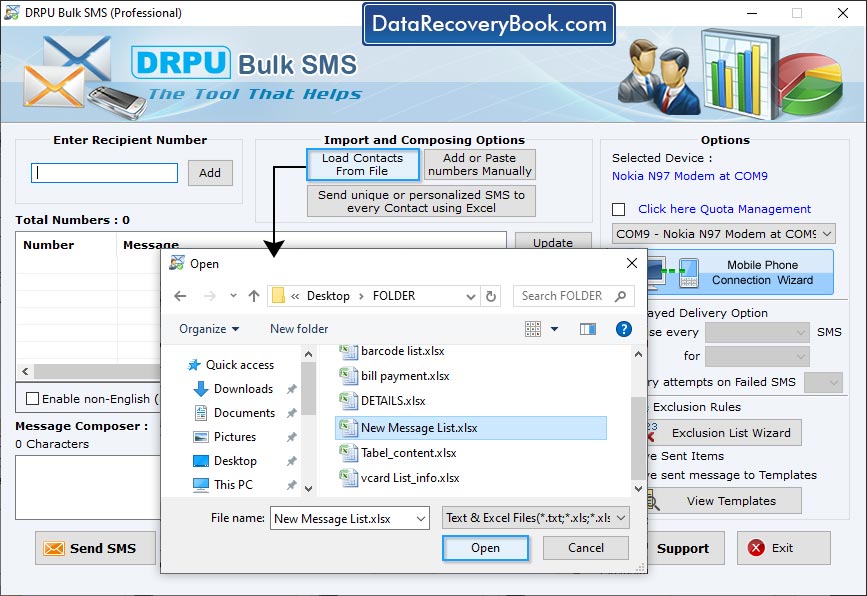
To send personalized SMS to every contact using excel file, click "Send unique or personalized SMS to every Contact using Excel" then choose any one option among "Import Numbers and their respective messages from Excel File" and "On the basis of Excel file contents, create personalized Dynamic messages".
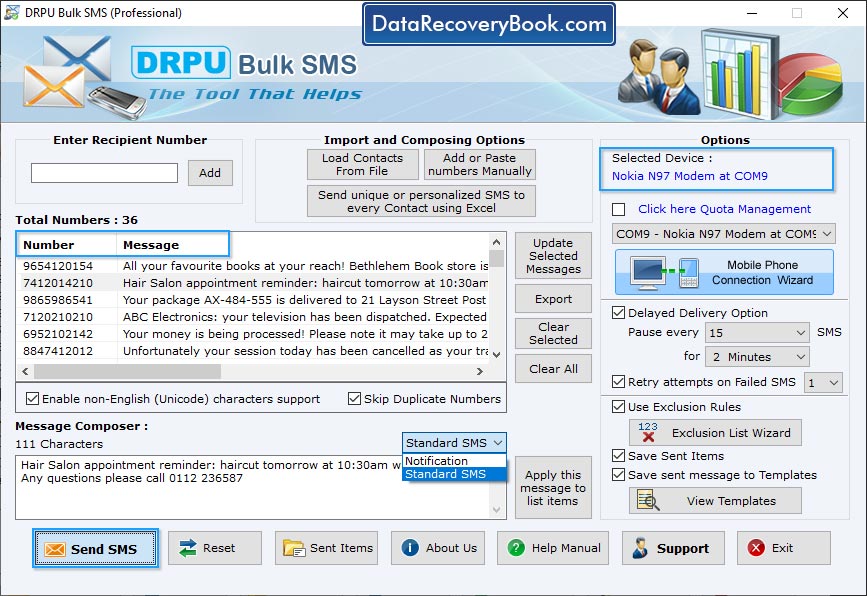
Import and composing options to load contacts from file or add or paste number manually for sending group SMS.
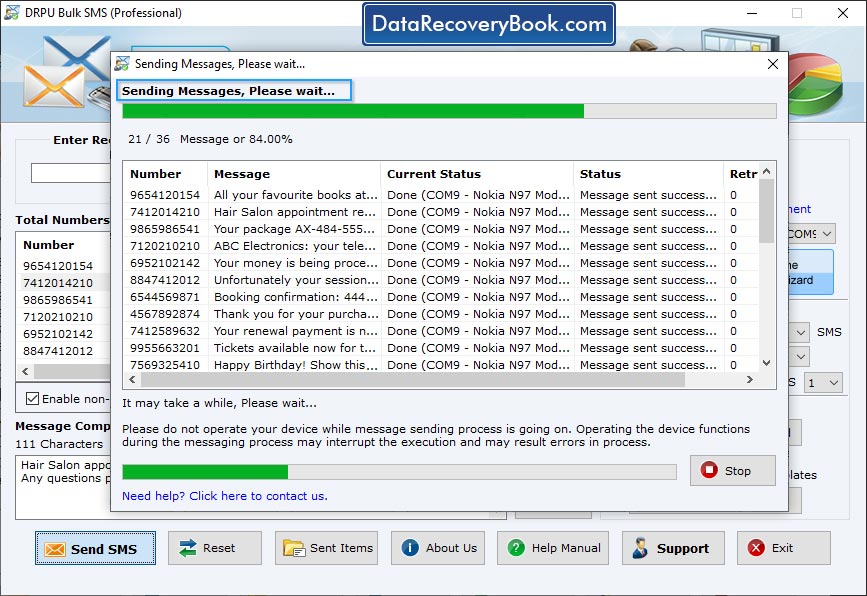
Wizard shows progress bar to view current status of SMS sending process.

